
Ensure Safety Pick Right Medical Alert Features
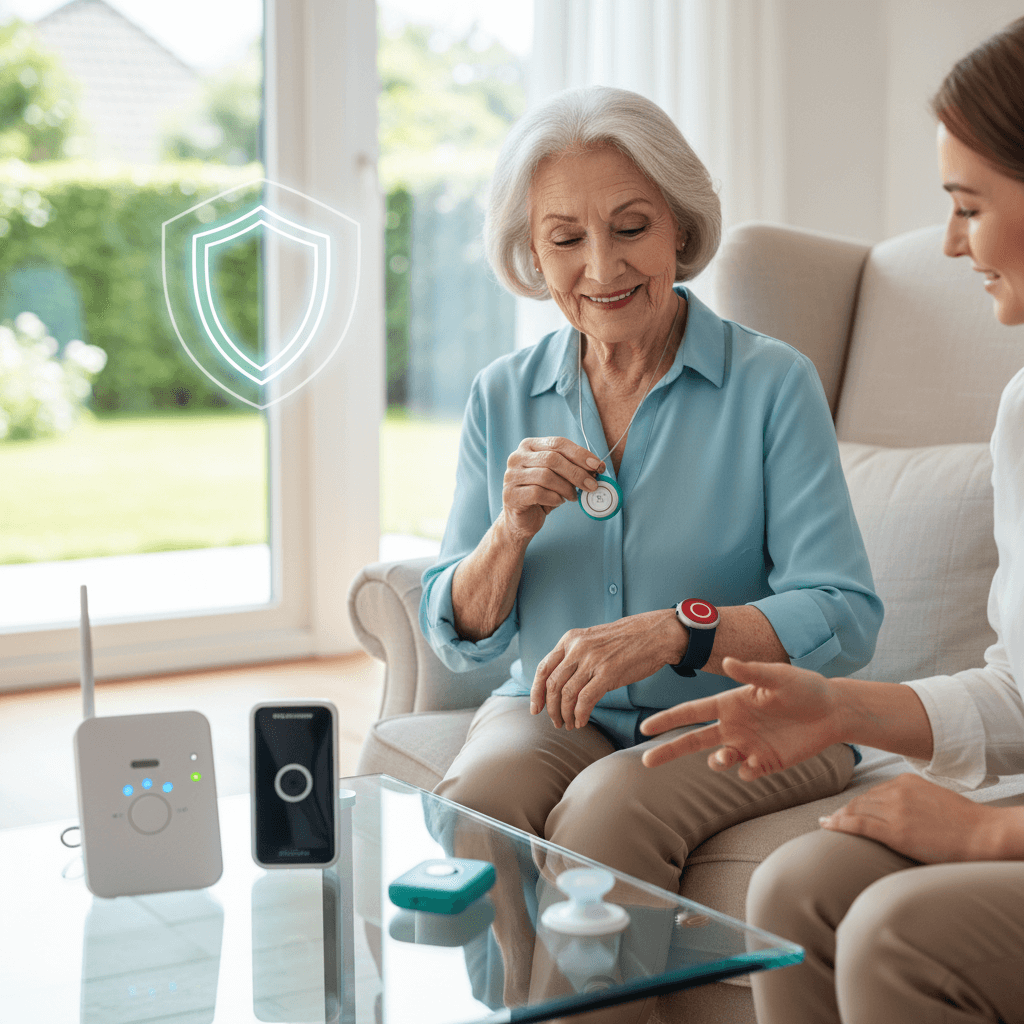
Choosing the right medical alert features can mean the difference between a small incident and a rapid, lifesaving response. In this article I walk through the most important functions to look for when shopping for a medical alert system. You will get practical tips, clear examples, and a checklist style view of how each feature affects daily living for older adults and people with chronic conditions.
The goal is simple. Help you pick options that match living situation, budget, and health risks so the device works when it is needed most. I use plain language and real use cases so you can compare offerings and ask the right questions with brands or caregivers.
Pick Right Medical Alert Features for Everyday Safety
Start by listing the scenarios you want the device to cover. Common scenarios include falls, sudden medical events like chest pain or stroke symptoms, wandering for people with memory loss, and the need to call for non emergency help such as door assistance or prescription pickup. When you align features with realistic scenarios you avoid paying for extras that add cost but little value.
Example checklist to begin with
- Primary risks faced by the person who will wear the device
- Typical locations where incidents could happen such as bathroom, yard, or garage
- Response time goals as decided with family or caregiver
- Budget boundaries and whether cellular plans are acceptable
How Fall Detection Works and When It Matters
Fall detection uses sensors to detect sudden changes in motion or impact. For people who live alone or spend large parts of the day without supervision, a fall detector can start a call for help when the user cannot press the button. That said, fall detection is not flawless. You should pair it with options that allow quick cancellation of false alarms and configurable sensitivity.
Types of fall sensors
There are two common approaches. One uses accelerometers and gyroscopes inside the wearable to identify a rapid vertical movement followed by lack of motion. The other uses barometric or pressure sensors plus motion data. Accelerometer based units are common in pendants and wrist devices. GPS or location aware systems may combine fall detection with location tracking for faster responder routing.
False alarms and calibration tips
False alarms are a frequent concern. Activities such as dropping the device, vigorous housework, or sudden sitting can trigger a fall alarm if sensitivity is high. Tips to reduce false alarms include setting sensitivity based on activity level, updating device firmware, and testing the alarm in the actual home environment. If possible, try a trial period and wear the device during routine activities to see how it behaves.
Communication Options to Prioritize in Medical Alert Systems
Medical alert systems vary in how they connect to help. Some units use a landline connection, others rely on cellular networks, and many modern offerings combine cellular plus Wi Fi. Cellular systems offer greater mobility while landline systems may be cheaper but tie the user to a single location.
- Two way voice lets the user speak directly with a monitoring center through the device so responders can assess the situation. This is helpful when the user can speak but cannot reach a phone.
- Direct emergency contact routing calls family members or a pre designatd caregiver first before emergency services. This is useful for non emergency incidents where family help is preferable.
- Silent alerts send notifications to caregivers without sounding an alarm, useful in situations where the user should not draw attention.
When evaluating models, ask about tested indoor range for base station receivers, cellular carrier coverage in the home area, and whether Wi Fi fallback is available. Coverage gaps can render an otherwise excellent device ineffective.
Battery Life and Power Considerations for Reliable Coverage
Battery performance is often overlooked until a device fails. Rechargeable devices may need daily or multi day charging. Replaceable battery units can last months but require a schedule to swap cells. Key factors to evaluate include expected run time, low battery alerts, and whether the monitoring service notifies caregivers when battery drops below a safe level.
- Rechargeable wrist units typically require nightly charging. That can be fine if the wearer has a routine, but risky if they forget.
- Button style pendants with replaceable batteries often last six months to a year, reducing daily maintenance.
- Check for backup power in base stations that connect to a home phone line. Some base units include a backup battery to handle power outages for a number of hours.
Tip for daily life: pair a calendar reminder with a charging ritual such as placing the device on charge after dinner. For caregivers, set up remote battery alerts so they receive text or email before the unit dies.
Location Tracking and GPS Accuracy for Rapid Response
Location tracking matters most for individuals who travel away from home or are at risk of wandering. GPS enabled devices can share coordinates with responders, but GPS accuracy varies with device quality, cellular signal, and urban vs rural settings. For indoor tracking the system may use Wi Fi triangulation or Bluetooth beacons to improve positional information.
Questions to ask vendors about location
- How quickly does the device transmit coordinates after an event
- Which networks are used for location and how coverage looks in your neighborhood
- Whether the system can share location directly with emergency services or only with a monitoring center
Example scenario: a person with early dementia leaves a store. A GPS pendant that updates location every minute can allow caregivers to intercept before police involvement. However if the GPS updates only when the help button is pressed the search window narrows.
Testing, Maintenance, and Family Setup Procedures
Regular testing reduces surprises. Establish a test routine to check connectivity, two way voice clarity, and fall detection accuracy. Many vendors provide a test mode so you can trigger a non emergency call to confirm that monitoring staff respond correctly. Log testing dates and results so you can spot patterns such as recurring disconnects at certain times of day.
Family alerts and permission settings
Decide who receives alerts and how they are contacted. Some systems allow tiered notifications where a spouse is contacted first and an emergency contact next if there is no response. Review privacy options so location and health information are shared only with authorized people.
Maintenance plan for long term use
Tasks to schedule include battery replacement dates, software or firmware updates, and yearly review of contact lists. If the wearer moves to a new home or travels to a different region, update address and location settings to keep response routing accurate.
Pricing, Contracts, and What to Ask Before Buying
Price structures vary. You will see upfront costs for hardware, monthly monitoring fees, and sometimes additional fees for GPS or cellular service. Some vendors require long term contracts while others offer month to month plans. Read terms related to cancellation, warranty coverage, and whether service continues during power or provider outages.
Before you commit ask these questions
- What exactly is included in the monthly fee
- Is there a trial period with refund or free returns
- How are false alarms managed and are there charges for frequent false calls
- What is the process if the monitoring center loses contact with the device
If you want a concise comparison of common features and examples of brands that focus on core functionality rather than extras, explore this topic for a side by side rundown that can help with final selection.
Practical Tips for Choosing and Living With a Medical Alert System
Make the device part of daily routine. Small habits such as putting the pendant on before leaving a room or charging a wrist unit during television time increase the chance the device will be available during an event. Involve the wearer in setup. If the person dislikes the look of a pendant or the feel of a wristband they may refuse to wear it consistently.
- Trial devices for a week and wear them during usual activities to test comfort and false alarm rates
- Keep a spare battery or second pendant for times when the primary unit requires repair
- Document emergency contacts and medical info in paper form near the primary phone and in device settings
Finally, keep caregivers and neighbors informed about the device so they react appropriately if they hear an alarm or receive an alert notification.
Choosing the right medical alert features comes down to matching technical capabilities with real life needs. Focus on fall detection that matches activity level, choose communication methods that work in the home and on the go, and set up testing and maintenance so the system stays functional when it matters. Consider battery behavior, GPS performance, and the structure of notification lists so the response plan fits your lifestyle. Ask about trial periods, cancellation terms, and backup power so there are no surprises after purchase.
Ready to take the next step Start by listing must have scenarios and three items you are willing to trade off such as mobility for longer battery life or lower monthly cost for less frequent location updates. Try one or two devices under real life conditions before signing a long term contract. If you need help comparing features with your specific needs, gather those notes and speak with a vendor or trusted caregiver who can run through a demo with you. A clear plan and a brief trial will show which combination of features delivers the most dependable protection for daily living. Take action now and set up a trial or call a provider to confirm coverage in your area.


